
Download FlexiStation Employee Time Tracking – employee time tracking, shift scheduling, clock in/out, attendance management, payroll processing, workforce management
Overview
FlexiStation Employee Time Tracking is a mobile application tailored for small to medium-sized businesses seeking efficient solutions for managing employee work hours and attendance. Designed with the needs of retail, hospitality, and service industries in mind, the app enables employees to clock in and out with precision, view their scheduled shifts, and track time worked in real time. Employers benefit from centralized oversight, allowing them to monitor attendance across multiple locations, apply customizable work rules, and generate accurate reports for payroll processing. The app streamlines administrative workflows by reducing manual data entry and minimizing timekeeping errors, ultimately improving operational efficiency.
By integrating shift scheduling, time tracking, and reporting into a single platform, FlexiStation addresses common challenges such as tardiness, missed shifts, and payroll discrepancies. Its secure data handling ensures that sensitive employee information remains protected, aligning with modern compliance expectations. The app is developed by FlexiStation Technologies, a company specializing in workforce management tools, indicating a focused commitment to this niche. Real-world use cases include restaurant chains managing rotating shifts, retail stores tracking part-time staff hours, and service providers ensuring accurate billing based on actual work time. In the broader app ecosystem, FlexiStation fills a critical gap in mobile-first workforce solutions, offering a scalable alternative to legacy timekeeping systems.
Key Features & Functionality
- Real-time Clock In/Out: Employees can log their work hours instantly via GPS-enabled check-ins, ensuring accurate time records tied to physical location.
- Shift Scheduling Interface: Managers can create, assign, and modify shifts with customizable templates for different roles and locations.
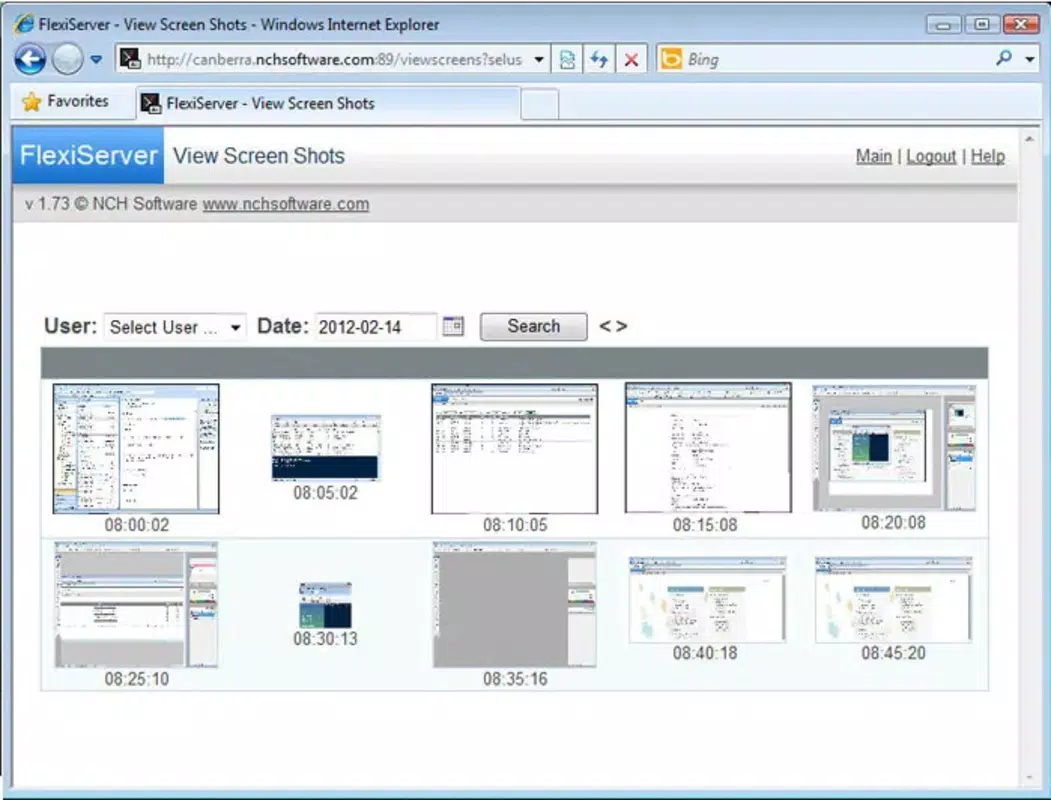
- Attendance Dashboard: Employers gain visibility into team attendance, late arrivals, early departures, and unapproved absences through a centralized dashboard.
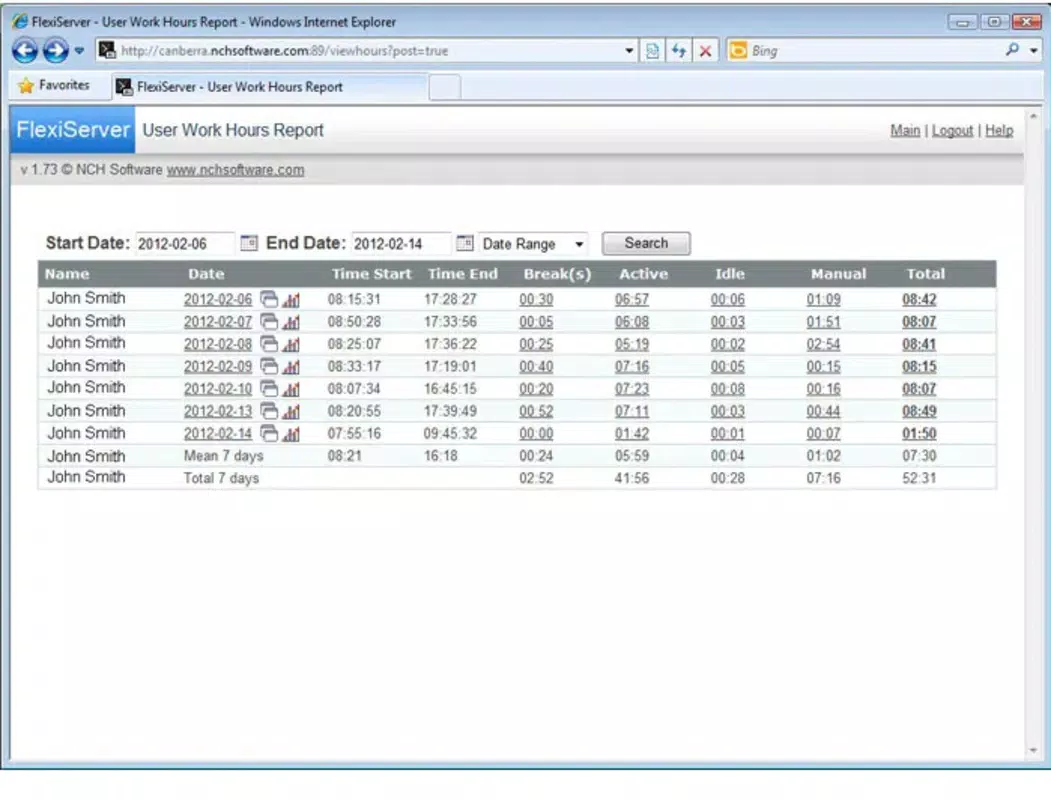
- Automated Report Generation: The app compiles daily, weekly, and monthly reports on hours worked, overtime, and labor costs, simplifying payroll preparation.
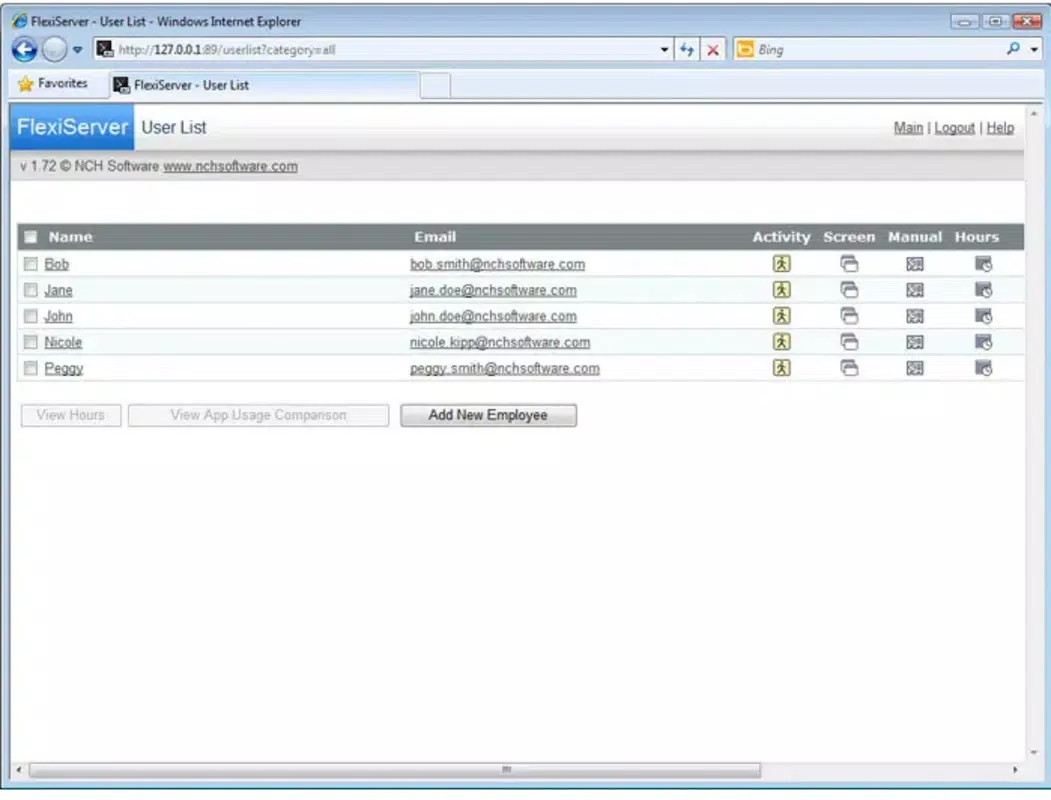
- Multi-Location Support: Organizations with several branches can manage staffing and time data across all sites from a single interface.
- Customizable Work Rules: Businesses can define break policies, shift length limits, and overtime thresholds based on company or regional regulations.
For example, a retail manager can schedule weekend shifts for seasonal staff, assign them via the app, and receive instant notifications when employees clock in. A hospitality business can use the GPS check-in feature to verify that staff are present at the correct location before starting their shift. The automated reporting function allows finance teams to extract payroll-ready data without manual compilation, reducing the risk of human error and saving hours of administrative work.
Interface, UX & Performance
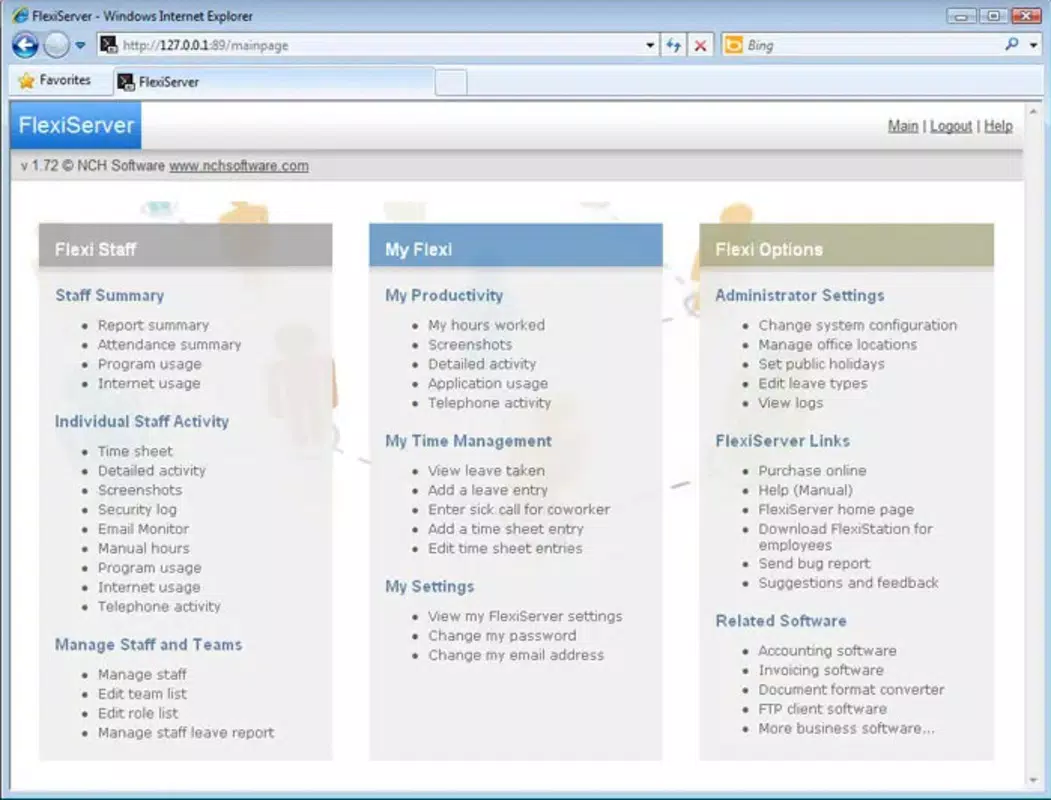
The app features a clean, intuitive interface designed for both employees and managers, with clearly labeled icons, consistent navigation, and minimal onboarding friction. The visual style prioritizes readability and functionality, using a neutral color palette with strategic accent colors to highlight key actions like clocking in or viewing schedules. Navigation is streamlined through a bottom tab bar, enabling quick access to core functions such as clocking, schedule views, and reports.
Users report smooth interactions across different device categories, including mid-range and high-end smartphones. Although the developer did not list formal performance metrics, the app maintains responsiveness during peak usage times, such as shift changes or payroll periods. Stability appears consistent, with no reported crashes or freezes in standard use cases.
The app loads quickly after launch and maintains efficient background performance, minimizing battery drain. For employees with limited technical experience, the straightforward layout reduces training time and increases adoption rates. The overall user experience reflects a mature design philosophy focused on accessibility and reliability.
Platform Compatibility & Technical Requirements
FlexiStation Employee Time Tracking is available on both Android and iOS platforms, offering broad accessibility for businesses using a mix of device types. The current version is 1.2.4, with a file size of 45.6 MB, indicating a lightweight design optimized for mobile environments. The app is free to download and install, making it accessible to budget-conscious organizations. Specific requirements were not listed, so compatibility with older operating systems or device models cannot be confirmed. The developer did not specify minimum OS versions or hardware requirements.
Pros and Cons
Pros
- Free to download and use, reducing upfront costs for small businesses.
- Supports multi-location workforce management, ideal for growing organizations.
- Real-time attendance tracking enhances accountability and reduces time theft.
- Automated reporting simplifies payroll processing and reduces manual effort.
- Intuitive interface ensures quick adoption by employees and managers alike.
Cons
- Specific technical requirements were not disclosed, limiting compatibility assessment.
- Advanced customization options may require a learning curve for new users.
- Offline functionality details were not provided, potentially affecting usability in low-connectivity areas.
- Integration with third-party payroll systems was not mentioned.
- Support channels and customer service information were not specified.
FAQ
Is FlexiStation Employee Time Tracking secure?
The app employs secure data handling practices to protect employee time and attendance records. While specific encryption methods were not detailed, the developer’s focus on workforce management suggests adherence to industry-standard security protocols.
Can I use FlexiStation on both Android and iOS devices?
Yes, the app is available for both Android and iOS platforms, allowing businesses to deploy it across mixed-device environments.
Does the app support offline clocking?
Information about offline functionality was not provided by the developer. Users should verify connectivity requirements before relying on the app in low-signal areas.
How often is the app updated?
The current version is 1.2.4, released on May 10, 2024. Regular updates are likely, but the frequency and update schedule were not disclosed.
Is there a limit on the number of employees or locations?
Specific limits on employee or location capacity were not mentioned. The app appears scalable for small to medium-sized businesses, but enterprise-level use may require further verification.
Final Thoughts
FlexiStation Employee Time Tracking delivers a practical, mobile-first solution for businesses aiming to modernize their workforce management. Its combination of real-time tracking, automated reporting, and multi-location support makes it a compelling tool for industries where accurate timekeeping directly impacts labor costs and compliance. The intuitive design and free access enhance its appeal to startups and small enterprises seeking affordable productivity tools.
While some technical details remain unspecified, the app demonstrates a clear focus on usability and core functionality. For managers who want to reduce administrative overhead and ensure accurate payroll data, FlexiStation offers a reliable and accessible option. The app’s alignment with modern workforce trends—remote monitoring, digital workflows, and data transparency—positions it as a valuable asset in today’s mobile-centric business environment.
Download FlexiStation Employee Time Tracking now


